a line from anywhere, with the app closed
outl now takes a line without being open. Type `outl capture "ring the dentist"` in any terminal, share text or a link from any app on Android, tap a home screen widget, or pull down a quick settings tile. The line waits as one file in the workspace and becomes a block in the journal for the day you captured it, the next time a client opens. Nothing syncs until then, and a capture is always one line.
A line typed in a terminal is in today’s journal before outl has finished launching. Usually it never launches at all.
The thought arrives while the app is closed. Mid-command in a shell, reading something in a browser on the phone, two steps from the desk. Until this release the line went wherever was already open, a scratch file or the notes app that boots in ten seconds, and got copied across later, or never did. The gap was not the typing. It was that outl had to be the thing in front of you before it would take a line.
type the line, close the terminal
outl capture writes one file into the workspace and returns. It does not open the workspace, which is why it answers from a shell alias while a desktop client is running on the same files, and why you can wire it to a macOS Service, a Shortcut, Raycast or a hotkey daemon. None of those can hold a workspace open, and that was the reason a desktop had no capture gesture at all.
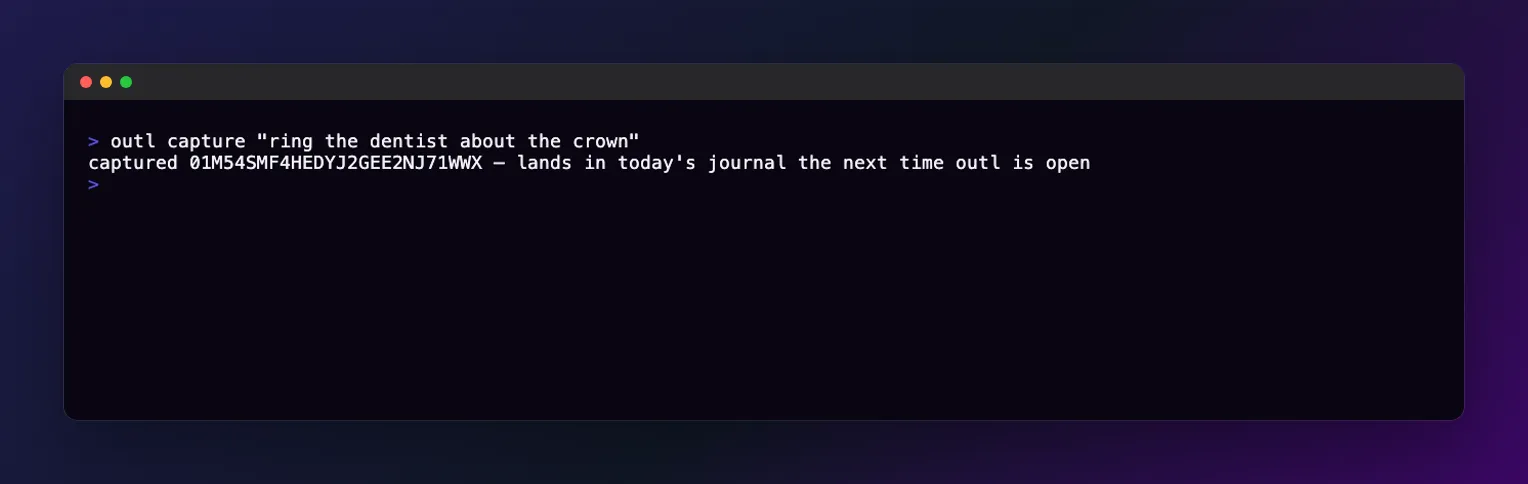
The line is now a file in .outl/captures/, named with that id. outl capture --list shows the queue without opening anything, and names the folder, so a file that cannot be read is somewhere you can go and look at it.
the next time a client opens
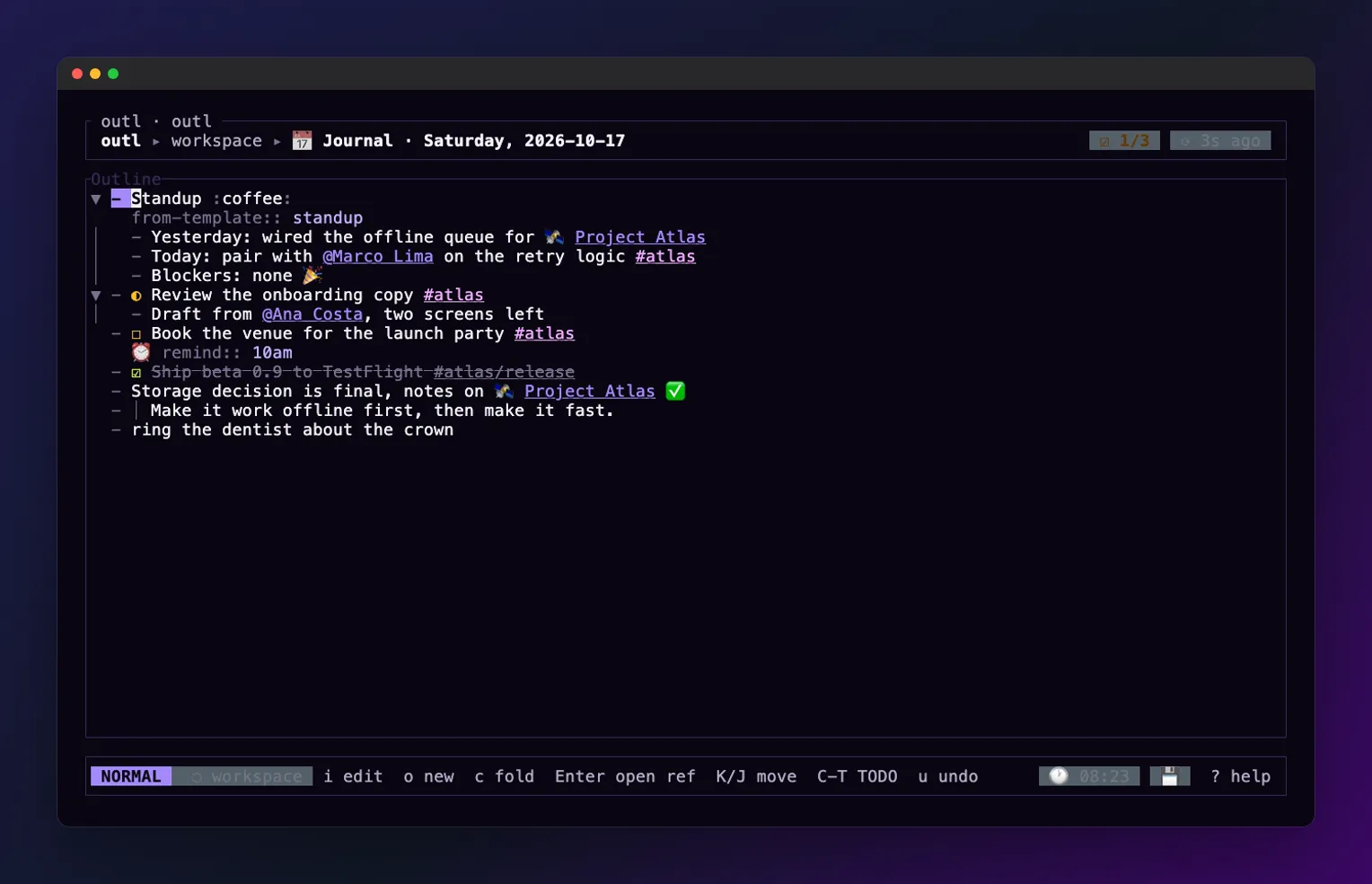
The drain happens on launch, and on the desktop also when the window takes focus again. The block lands in the journal for the day you captured it, not the day it drained, which is the part that makes a capture from Friday night still make sense on Monday.
the same box, from inside the app
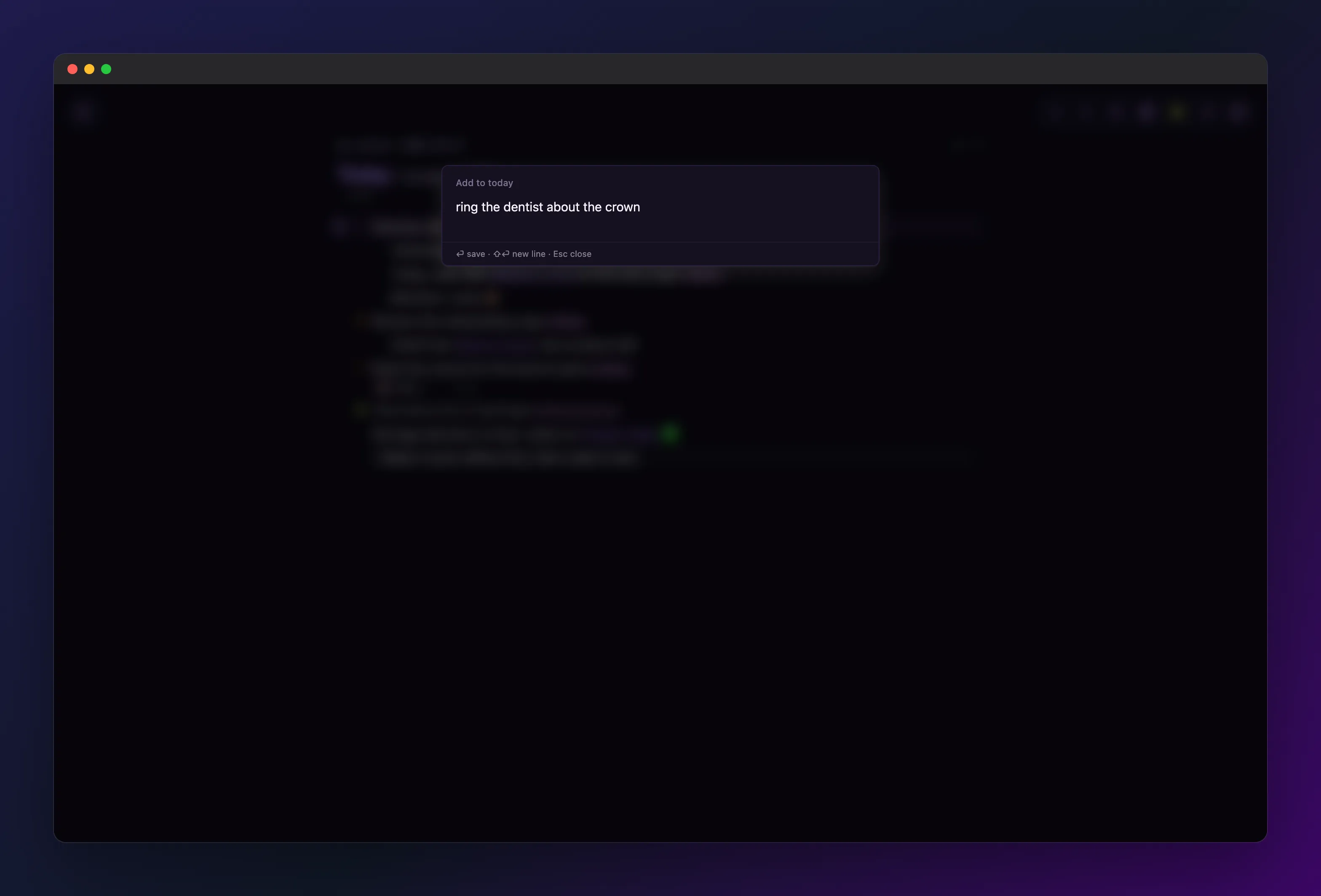
Cmd+Shift+Space is registered with the OS, so it answers with outl in the background: the window comes forward and the box is already focused. Enter saves, Escape closes, and the line goes to today. This is the one path that never touches the inbox: the line is appended to the end of today’s outline through create_block, an op like any block you type, because a client is open by definition.
share from whatever you are reading
On Android, outl is in the share sheet. Any app that can share text or a link can send one to today’s journal, and outl never comes to the foreground: the share target writes the file and the toast is the only thing you see.
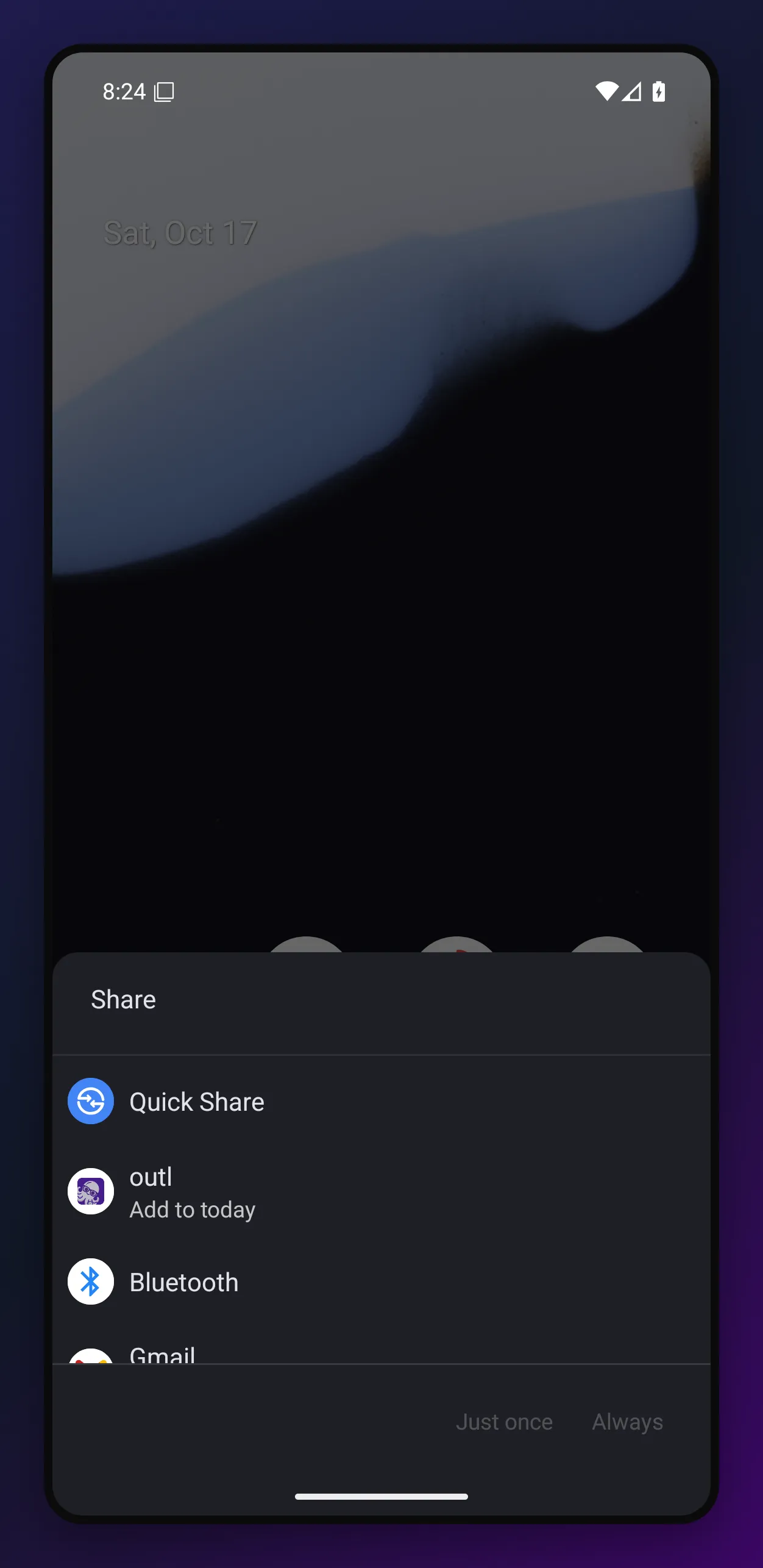
The share target runs in the app’s own process with the Rust library already loaded, so it writes through outl_actions::capture rather than a second copy of the file format in Kotlin. Kotlin holds the folder and the strings, and nothing else.
pull down, one tap
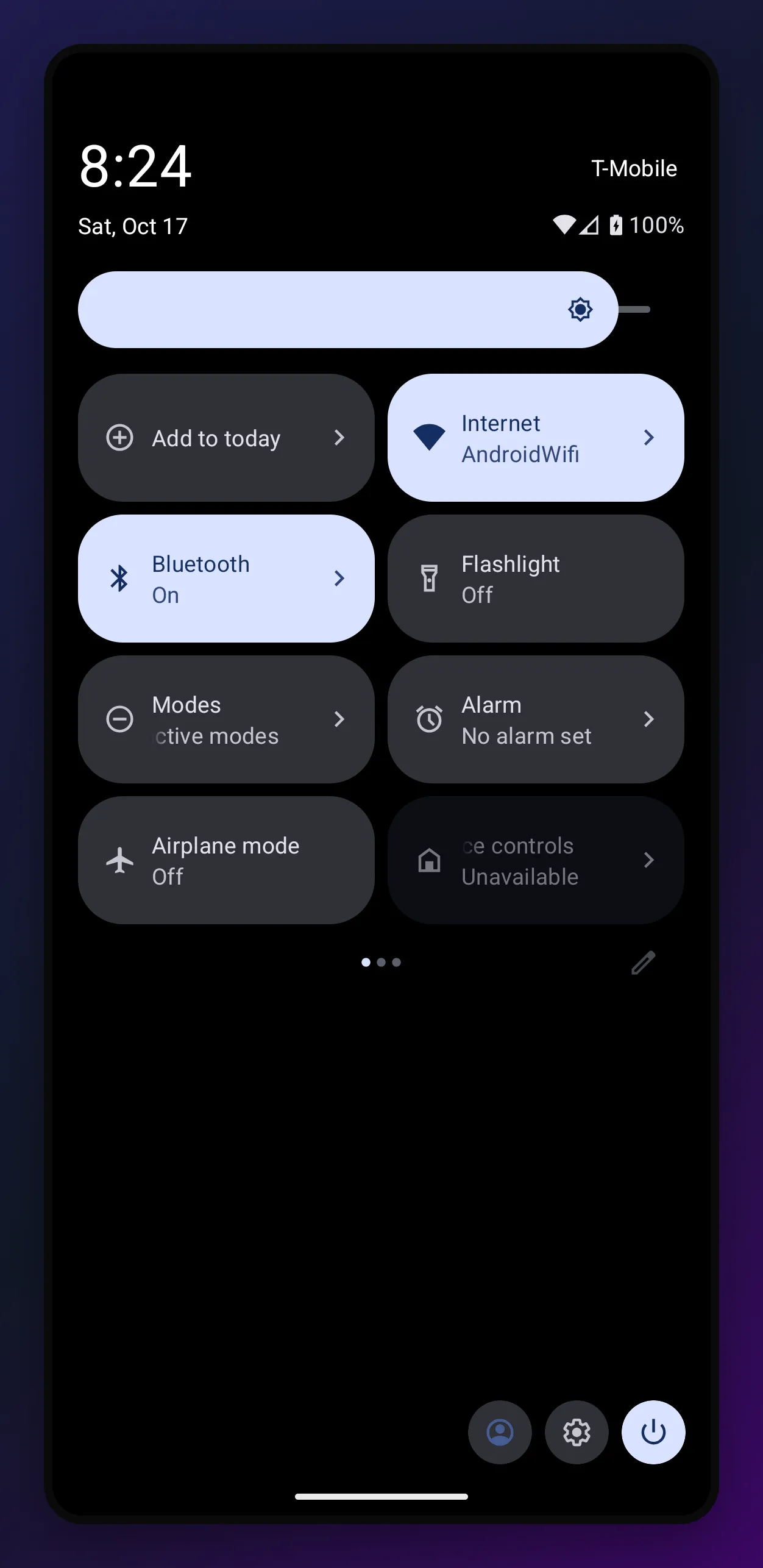
The quick settings tile sits with the rest of the system toggles. It writes nothing itself: it opens outl://capture, which now has an intent filter on Android, so outl:// links from anywhere reach the app.
or put it on the home screen
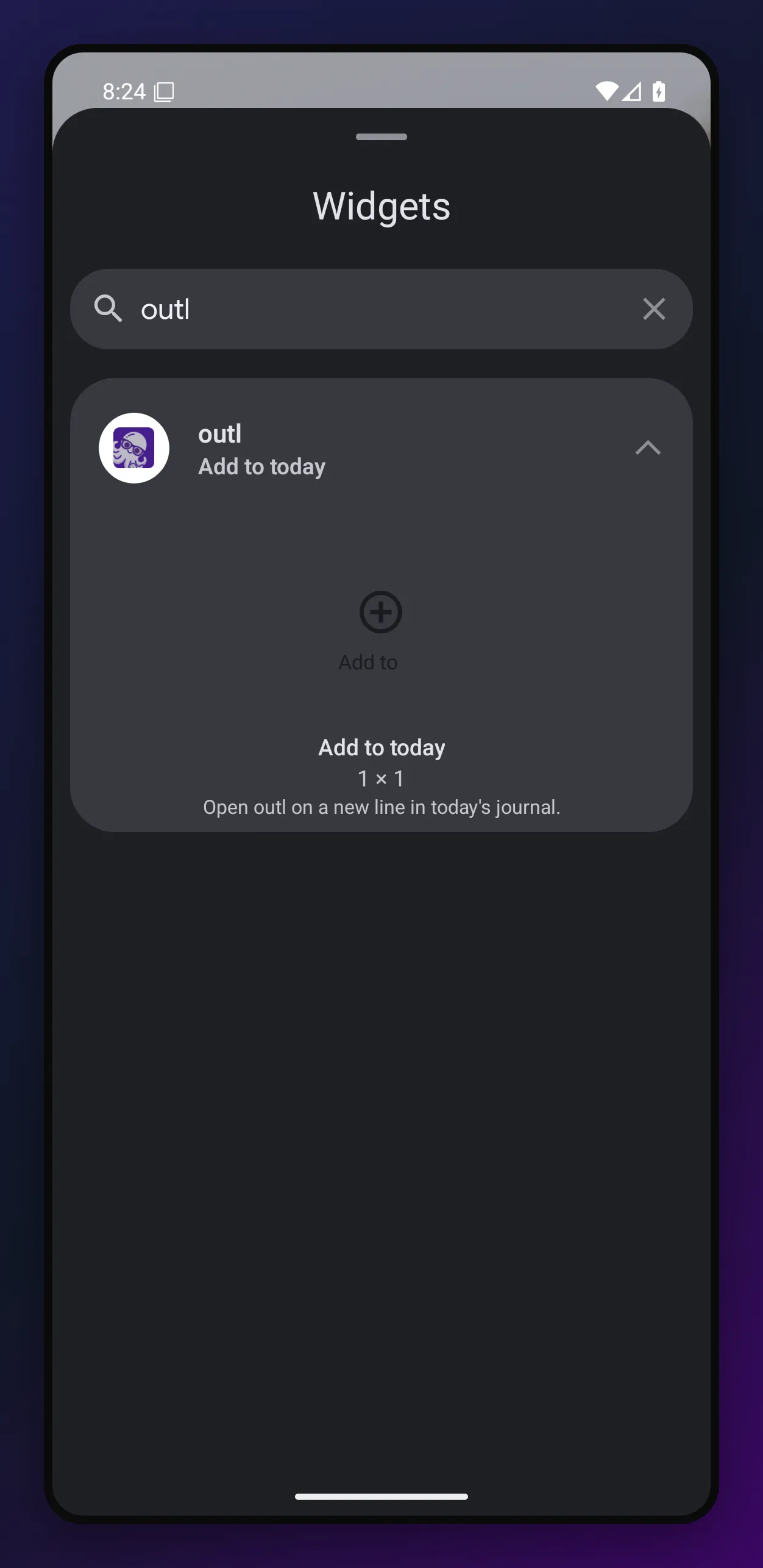
The widget is the same door, one by one, next to the apps.
where it works
- Terminal:
outl capture, on every platform the CLI runs on. - Desktop: the global chord, the command palette and
outl://capture. - Android: share target, home screen widget and quick settings tile, in the .apk on every release.
- iOS: the matching set, a share extension, a lock screen widget and an “Add to today” App Intent for Shortcuts, Siri and the Action Button. Release builds unhook the extensions until their provisioning profiles exist, so a TestFlight build may have the app and not the extensions.
There are no iOS pictures above, and the reason is ours rather than the platform’s: the simulator build is an opt-in CI artifact instead of a published one, so the pipeline that takes these screenshots has no iOS app to install. The Android shots are the same three gestures.
what it costs
A capture is one line. A multi-line selection shared from a browser is collapsed into one before it is written, because the renderer turns a newline into an indented continuation and the parser reads those back as structure: one shared paragraph used to become several blocks plus a title:: nobody typed.
Nothing lands until a client opens. The inbox is a handoff, not a sync, so a line captured on a laptop with no client running is not on your phone five seconds later. If you want the block written and syncing before the process exits, outl daily append is still the command, and it pays the workspace boot to do it.
And the desktop chord brings the window forward. That is the trade against the terminal command, which opens nothing and is why both exist. Another app may already own Cmd+Shift+Space; if registration fails outl logs it and boots anyway, with the palette and the deep link still reaching the box.
It is in v0.12.0-beta.224 and on the download page. The command’s own reference is outl capture --help, and the Android surfaces are written up in docs/android-platform.md.