i made the old app read-only
On 12 November I imported my Roam graph into outl, 488,718 operations in one day, and switched the old app to read-only. By the next morning my phone could not finish launching, the first sync was a 253 MB frame, and opening the workspace spent 14.3 seconds in a cache nobody had looked at. Five releases went out in the seven days after. This is what the week looked like from inside the product: what a 752,020-operation graph broke, which gestures I wanted in the first hour and did not have, and what still is not there.
On Thursday 12 November I imported my Roam graph into outl and set the old one to read-only. The import wrote 488,718 operations in one day. By Friday morning my phone could not finish launching.
I had been writing in outl since June. Not really, though: Roam was where the day actually went, and outl got a copy, which meant that when something in outl was wrong I worked around it instead of fixing it. A graph you can abandon at any moment never tells you anything. The note I wrote the next day says it plainly, and it is the shortest product brief I have ever written for myself: migrei do roam pro outl, momento de melhorar de verdade o produto.
Five releases went out in the seven days after. Here is what they were for.
the import is one command, and it is not the hard part
outl import roam takes the export and writes the graph as plain markdown, one file per page. Run it with --dry-run first and it tells you what it will write and what it cannot read in about a second. The real import is slower by two orders of magnitude for a reason that has nothing to do with parsing: it waits for the disk to confirm every file, which on 2,000 pages is 233 seconds against 0.25 for the same work with nothing written.
What came out is the graph I use now: 3,661 pages, 1,595 journals, 169,430 blocks, 312,173 properties and 21,045 backlinks, on 752,020 operations of history from 23 devices.
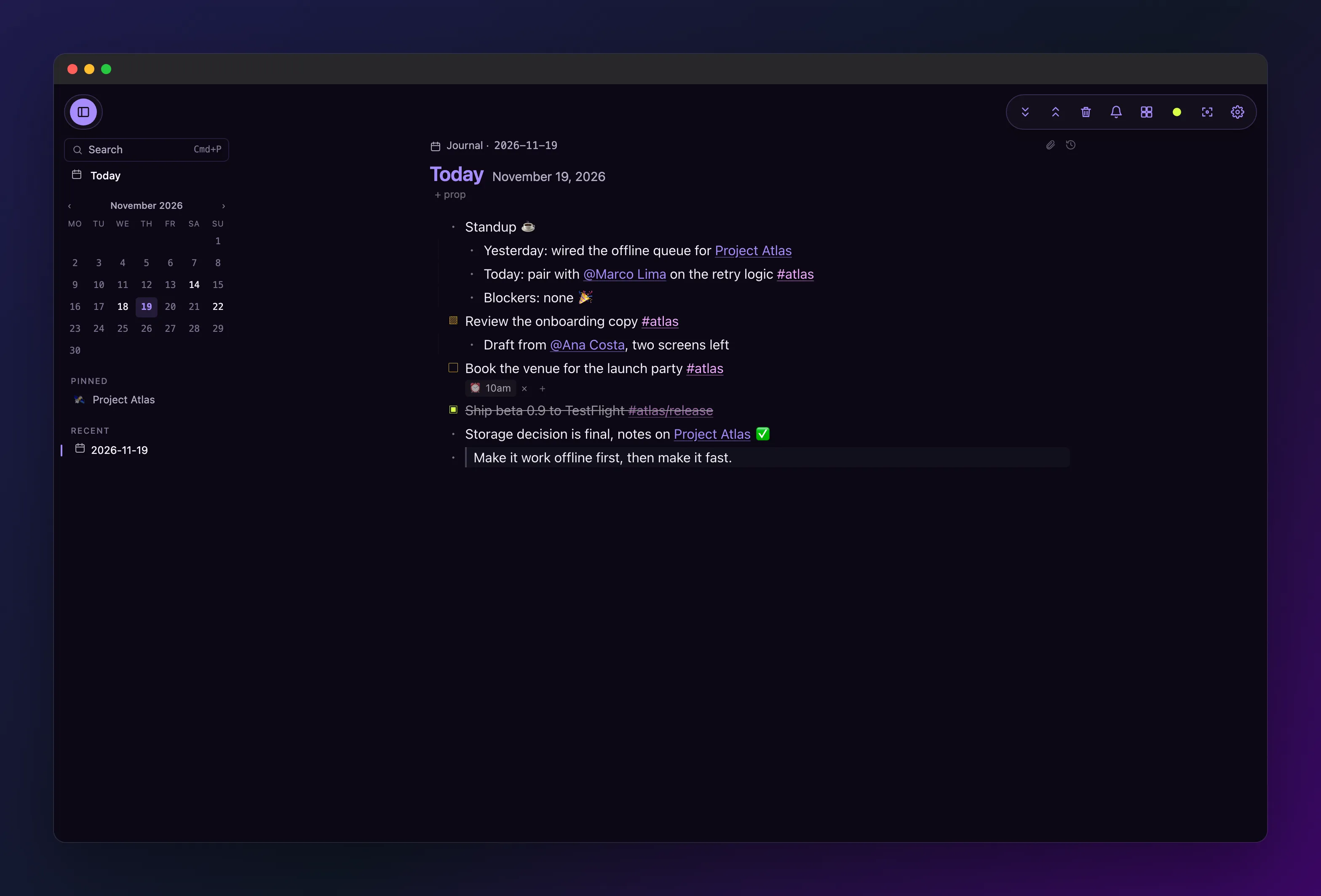
The hard part was everything the second day found. An import is a single large write; living in a graph is thousands of small reads, and almost nothing that broke that week was in the importer.
my phone could not finish launching, every time
The first sync to my phone shipped every operation it was missing as one blob. 719,785 operations, 253 MB of it, against a ceiling of 256 MB. It cleared that check by 1.2%, so instead of being refused it was allocated, and an Android phone answers a 253 MB allocation with a crash on launch. Every launch, because the data reached disk before the process died, so each retry re-pulled a slightly smaller mountain and died in the same place.
A sync now moves at most 20,000 operations per exchange, about 7 MB, oldest first. The whole history still crosses, over roughly 36 exchanges instead of one that cannot finish. The ceiling came down to 64 MB at the same time, because a limit larger than anything the smallest client can hold protects nobody.
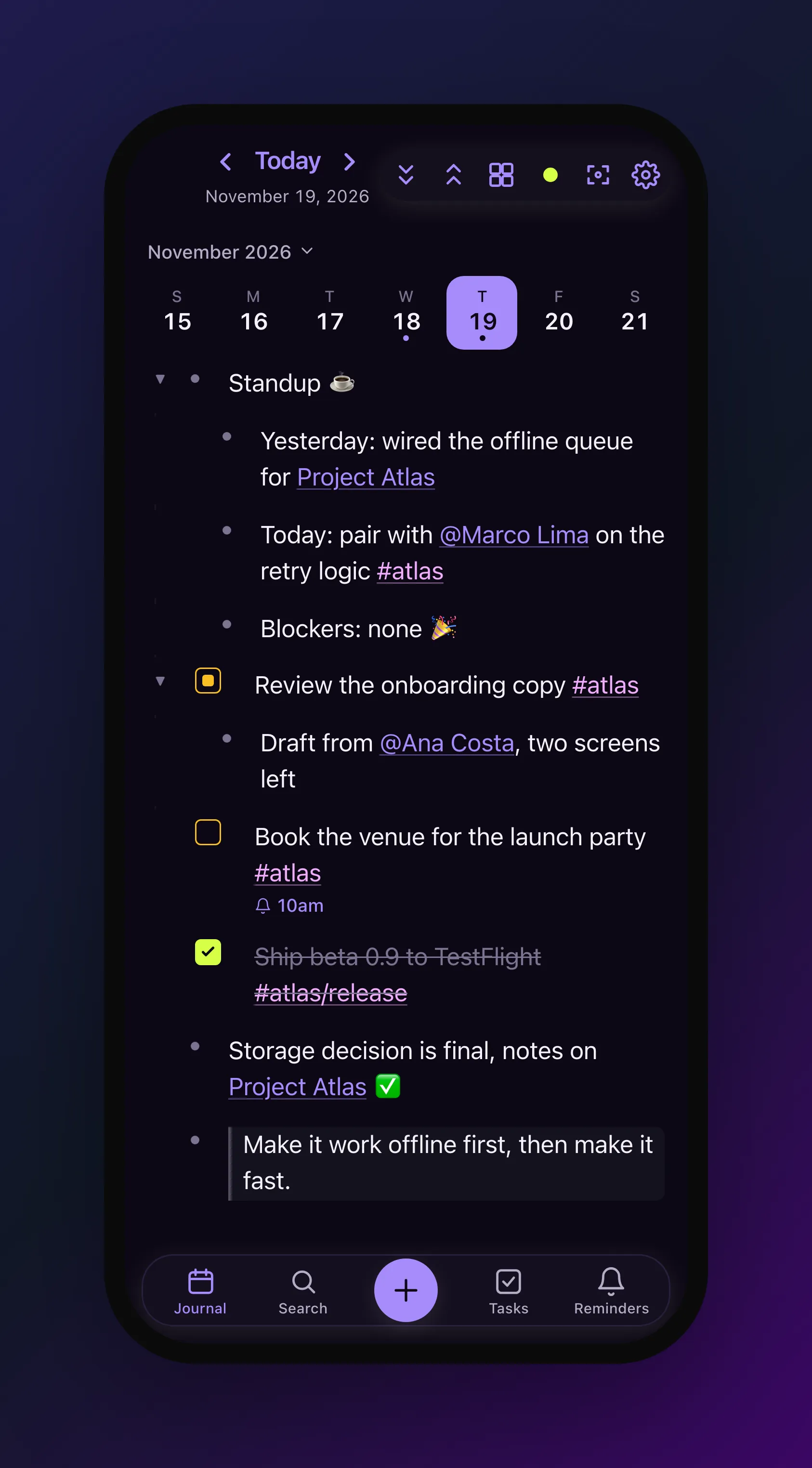
The other half was that the phone opened the workspace and started syncing at the same time, and both peak in the hundreds of megabytes. The transport now waits for the open to finish before it dials anyone.
a graph you live in gets opened twenty times a day
Opening the workspace used to read the index files each client keeps beside the log, and on this graph that pair is 170 MB across 23 devices and about 1.45 million records. On an iPhone it spent 14.3 seconds there. The disk was never the problem: it was reading at 12 MB/s on hardware that does over a gigabyte a second, because every record was being allocated as text and parsed as JSON.
Those files are fixed-width binary now. 170 MB became 61 MB on disk, the load went from 310 ms to 57 ms, and the whole open from 795 ms to 446 ms. Nothing to migrate: a file in the old shape reads as absent and gets rebuilt once.
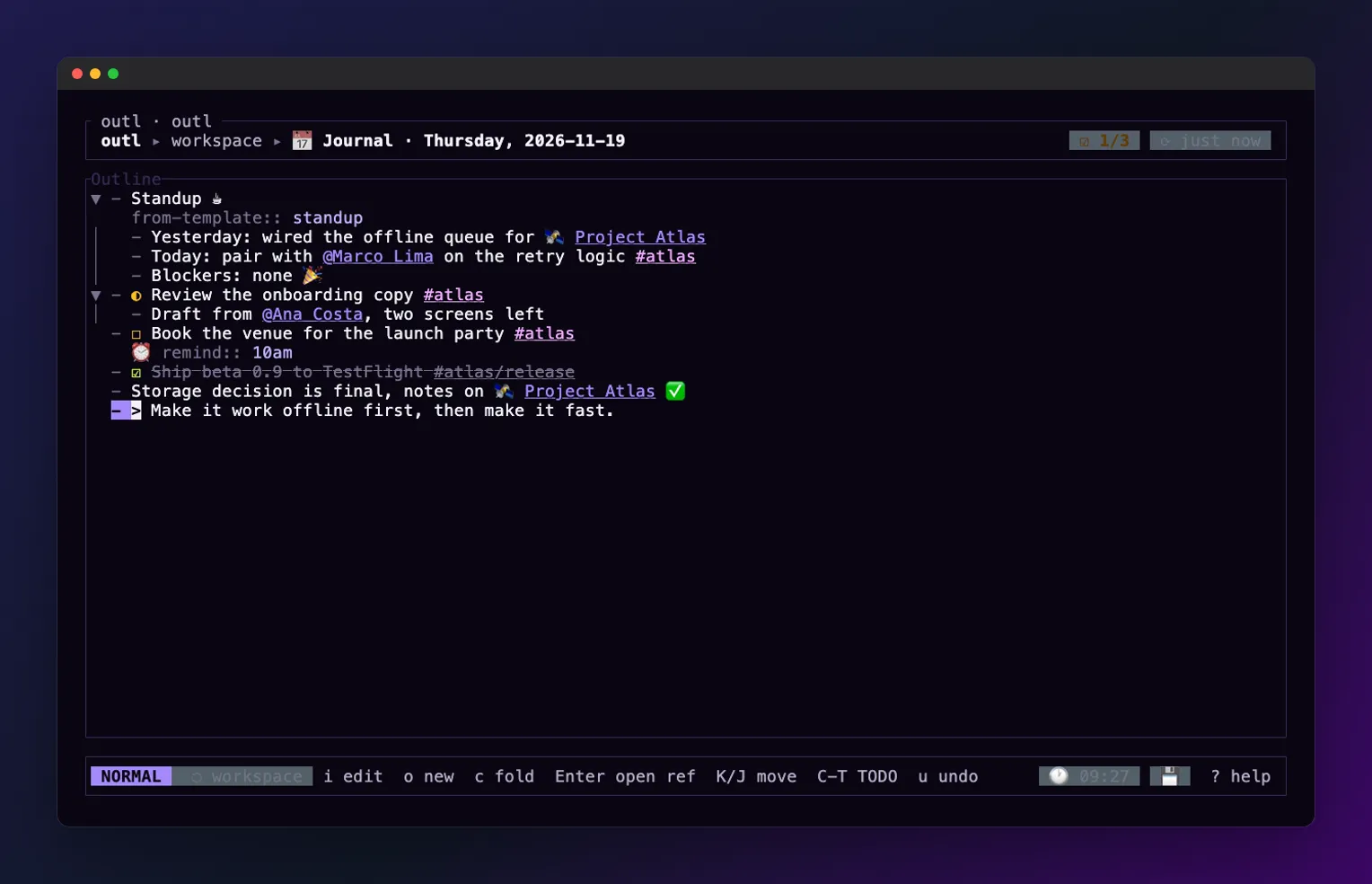
Then the launch stopped waiting for things a launch does not need. Today’s journal is on screen before the workspace is open, the snapshot write left the critical path, and the terminal UI draws itself before it reads anything. On this graph, on a laptop, the open is 172 ms.
Speed stopped being a thing I measured after a feature worked and became the feature. The clearest case landed on 17 November: the desktop was burning a whole CPU core and refusing keystrokes while syncing a workspace that had nothing to sync, because six places in one exchange were each asking the same question about the log and no two of them knew the others had just asked. Nothing was broken, every test passed, and the window stopped taking typing.
the gestures I wanted in the first hour
An import leaves duplicates. The same person under two spellings, a page that was a tag somewhere else. I wanted to merge them on the first evening and could not, so outl page merge exists: every block moves across and every mention in the workspace is rewritten to point at the page that survives. A plain rename rewrites mentions too now, and refuses to rename a journal. The desktop and the phone both do it from the page itself.
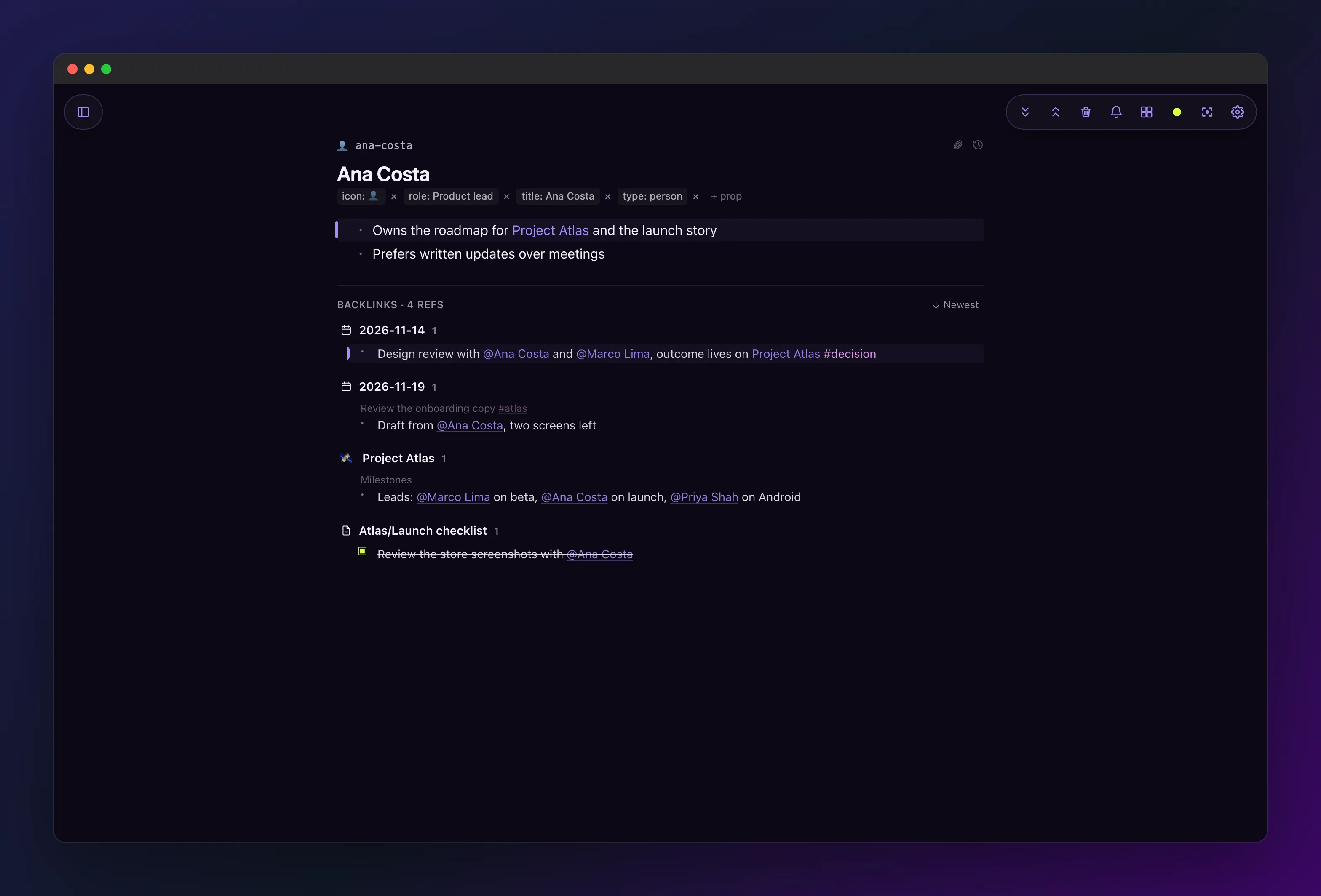
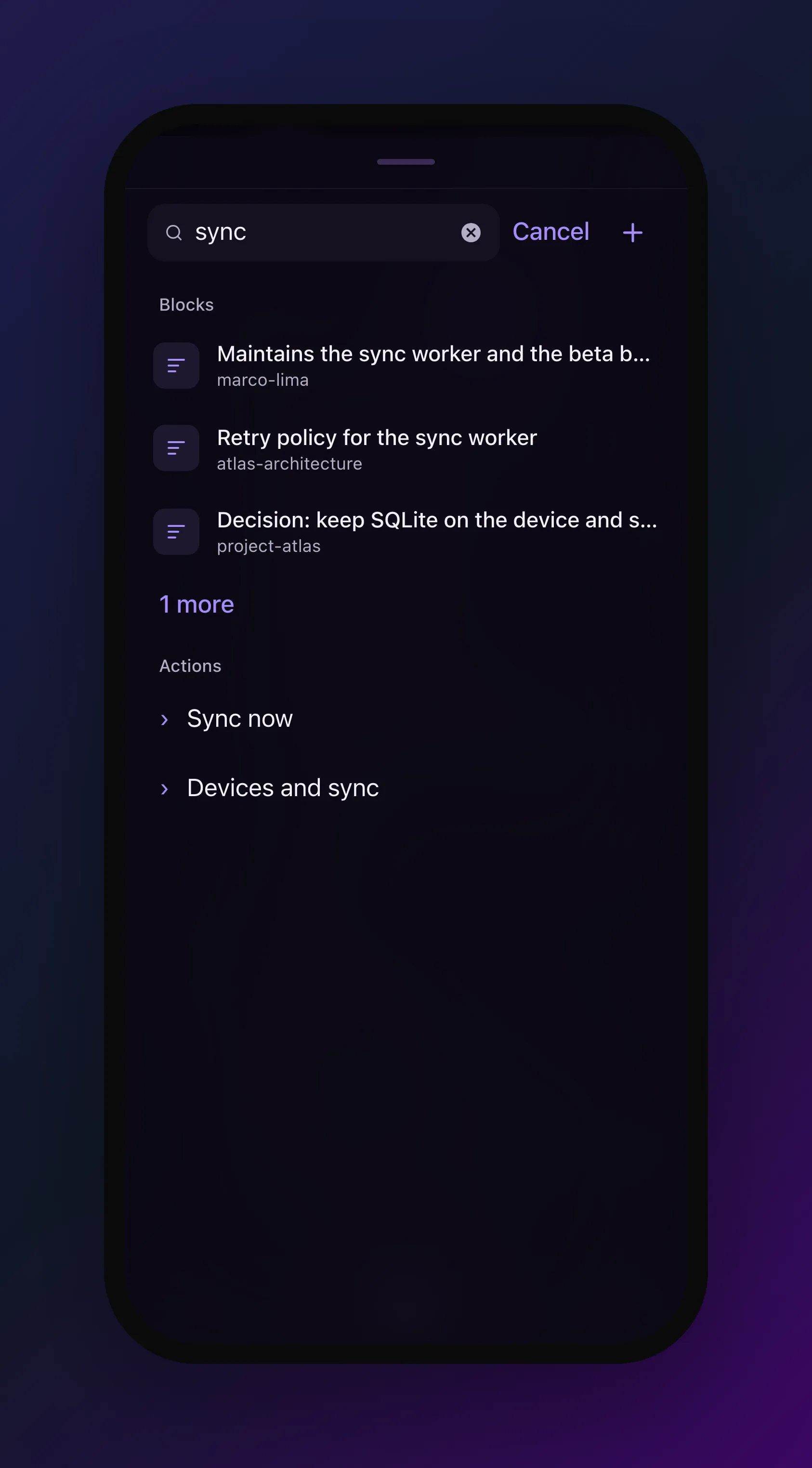
The rest of that list is small and all of it is from the first week of real use. Typing a date into a block works the same way on every client, because I kept reaching for it on my phone and finding it only on the desktop. Slash commands are called the same thing everywhere, which they were not. ![[page]] embeds a whole page where you write it. Themes are a .toml file in ~/.config/outl/themes/, so the one I wanted was mine to write instead of mine to request. On the phone, setting a reminder is a sheet instead of a text box that expected you to know the rule language, there is a New page control in Search, and a first launch says what the buttons do.
None of those needed a decision. They needed somebody to hit them on a Tuesday with no second app to fall back on.
The sharpest one is older than the migration. A block reference on the phone printed its raw handle, a ((blk-…)) sitting where the sentence should be, which reads as the feature not existing. The issue asking the phone to render them was opened on 29 May. It closed on 17 November, five days after I moved in. Nothing in the backend or the renderer was missing the whole time: the phone just never passed the resolved text to the component that draws it.
five releases in seven days
The operation log is a usage record, so the migration is visible in it. Operations per day, the week before and the week after:
| day | operations |
|---|---|
| 5 November | 70 |
| 6 November | 314 |
| 7 November | 197 |
| 8 November | 351 |
| 9 November | 630 |
| 10 November | 338 |
| 11 November | 326 |
| 12 November | 488,718 |
| 13 November | 7,324 |
| 14 November | 641 |
| 15 November | 9,334 |
| 16 November | 4,775 |
| 17 November | 3,776 |
| 18 November | 2,552 |
The spike is the import. What matters is the floor on either side of it: a few hundred operations a day before, thousands after. The same person, the same hours, one graph instead of two. The 14th is in there as it happened, a Saturday I barely opened the app, which is the shape of a week rather than a launch.
v0.13.0 shipped the same day as the import, and v0.13.1, v0.13.2 and v0.13.5 inside the four days after it.
where it works
- Desktop (macOS, Linux, Windows): page merge and rename,
![[page]]embeds, user themes, the faster open, the sync fix. - Terminal: the same, plus it draws before it reads the workspace.
- iOS: the sync and launch fixes, the reminder sheet, the New page control, first-run tips. In TestFlight.
- Android: the same app and the same fixes, as a signed APK on every release. The release plumbing around it is still thinner than iOS.
- Import: Roam and Logseq from an export, including Logseq’s EDN database export, and Obsidian.
what it does not do
A graph this size still costs something on a phone. The first sync is 36 exchanges instead of one, which is minutes of catching up rather than seconds, and that was the price of it finishing at all.
Reminders fire while a client is running. All of them, on any platform, with the app closed, is not done.
Merging a page is not one step backwards. It needs --confirm for that reason: the blocks stay under the page that survived, the rewritten mentions stay rewritten, the old names stay as aliases, and the page that lost goes to the trash under its own slug, where a page root cannot be restored. Nothing is lost, everything is in the log, and putting it back is work.
And the honest one: most of what is in this post was reachable in June. It was not written because nothing in my own week depended on it. The thing that changed in November was not the code, it was that I had nowhere else to write.
It is in v0.13.5 and on the download page. If you are coming from another app, the importer is documented at docs/import, and the workflow the whole thing is shaped around is in the journal is the only page I open.